BSHBusiness Supplies Hub

Supplies & equipment

Best monitor arms and laptop stands

In short

Best overall: Neomounts DS20-425BL1 Laptop holder monitor arm 11.6-17.3" - space saving, £88.99 at Back to the Office. Best value: R-Go Tools Laptop stand R-Go Riser Attachable, adjustable, integrated with your laptop, aluminum, black, £76.99. Premium pick: StarTech.com Wall-Mount Monitor Arm - Full Motion - Articulating - For up to 34" (19.8lb/9kg) Displays, £105.99.

Across the 733 matching listings we screened from 4 UK suppliers, most cost £39–£148 and the middle price is £78. Prices checked 27 October 2026.

A monitor arm frees desk space and makes it easier to set a screen at the right height for each person, which is one of the things a DSE workstation assessment looks at. The catch is fit: the arm must match the screen's mounting holes, weight and the desk it clamps to.

The arms above come from UK supplier feeds with live prices, including single, dual and laptop arms.

Quick picks

#ProductFrom
1Best overall Neomounts DS20-425BL1 Laptop holder monitor arm 11.6-17.3" - space…£88.99Details
2Ergotron NX Series NX MONITOR ARM BLACK 86.4 cm (34") Desk£86.99Details
3Urban Factory FLEXEE LIGHT SINGLE: Evolutive Single Monitor Arm£92.99Details
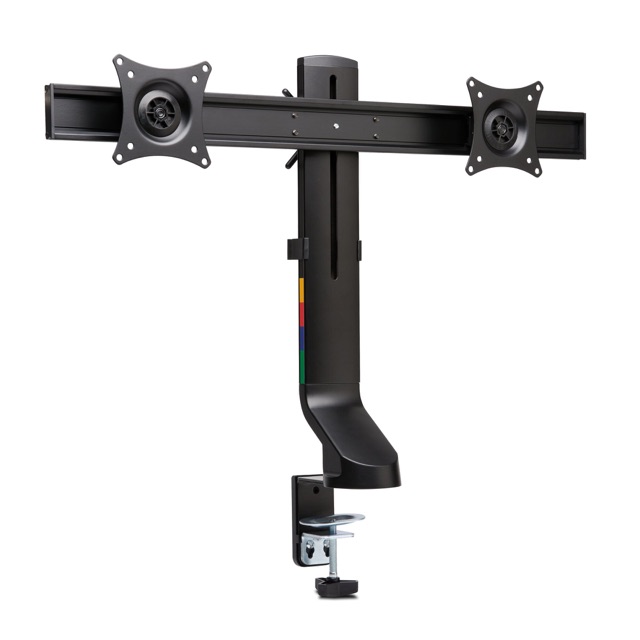
4Kensington SmartFit Space-Saving Dual Monitor Arm£82.99Details
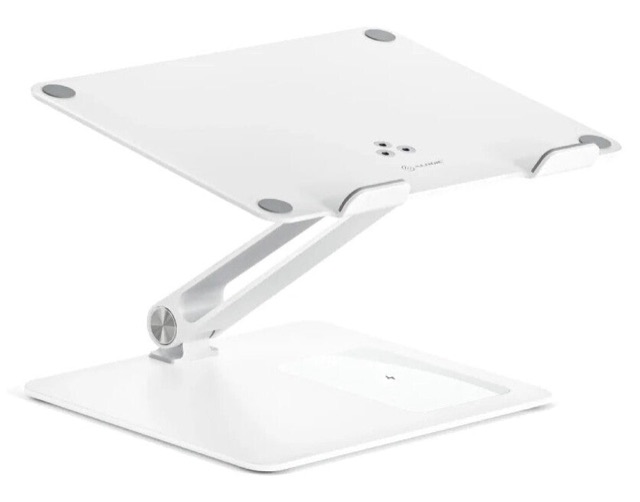
5ALOGIC Elite Power Laptop Stand with Wireless Charger£82.99Details
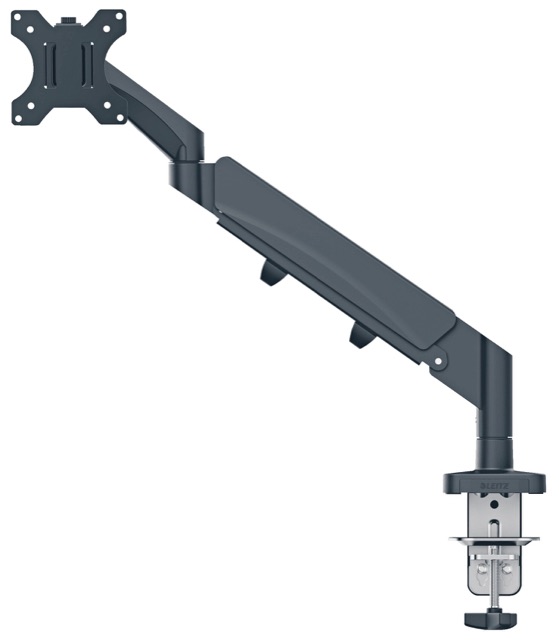
6Leitz Ergo Space Saving Single Monitor Arm£96.99Details
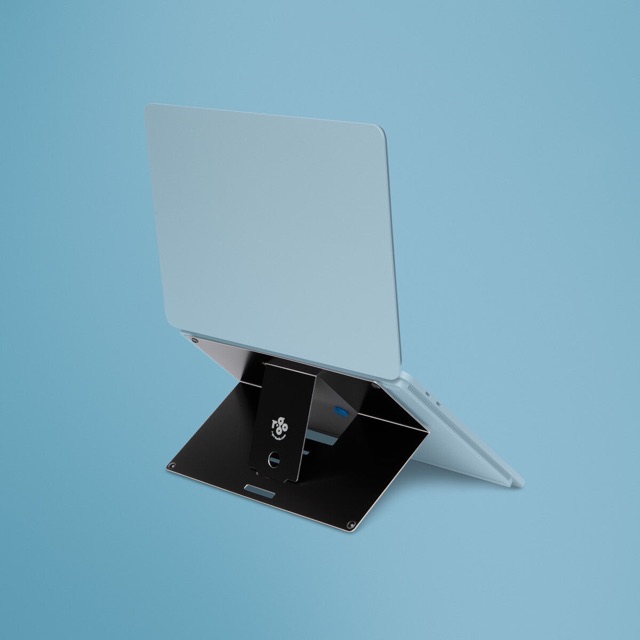
7Best value R-Go Tools Laptop stand R-Go Riser Attachable, adjustable, integrated…£76.99Details
8Premium pick StarTech.com Wall-Mount Monitor Arm - Full Motion - Articulating -…£105.99Details
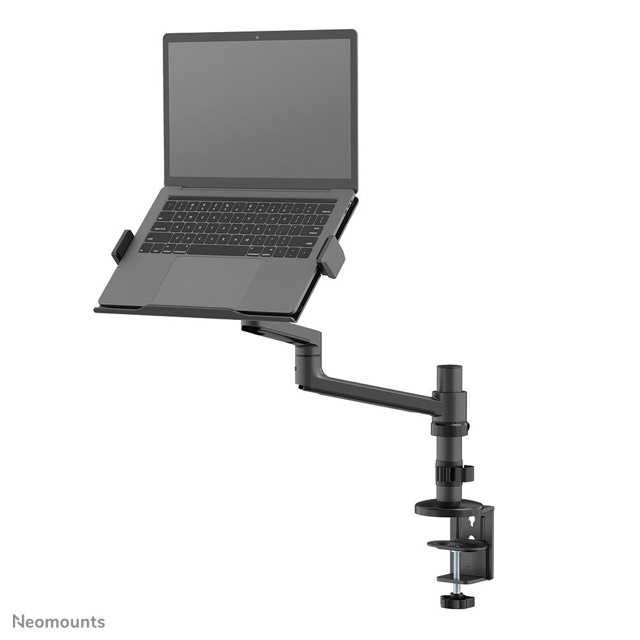
Neomounts DS20-425BL1 Laptop holder monitor arm 11.6-17.3" - space saving

1 · Best overall

Neomounts DS20-425BL1 Laptop holder monitor arm 11.6-17.3" - space saving

Newstar · Sold by Back to the Office

Laptop arm Black Steel. Minimum notebook screen size compatibility: 29.5 cm (11.6"). Maximum notebook screen size compatibility: 43.9 cm (17.3"). Maximum weight capacity: 5 kg. Height adjustment VESA mounting.
Ergotron NX Series NX MONITOR ARM BLACK 86.4 cm (34") Desk

2

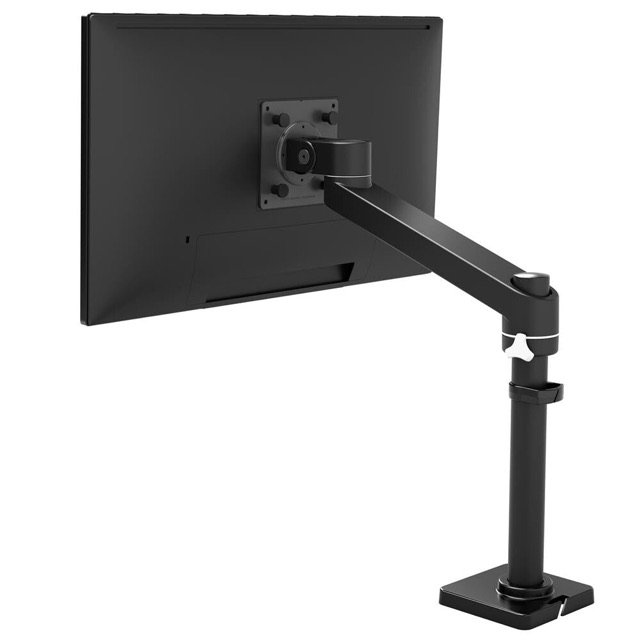
Ergotron NX Series NX MONITOR ARM BLACK 86.4 cm (34") Desk

Ergotron · Sold by Back to the Office

Neat workspace: Lifts a single monitor for more usable desk space. Affordable: Includes essential monitor arm features without sacrificing quality. Sleek design: Enhances any work area with clean lines and a slim profile.

Urban Factory FLEXEE LIGHT SINGLE: Evolutive Single Monitor Arm

3

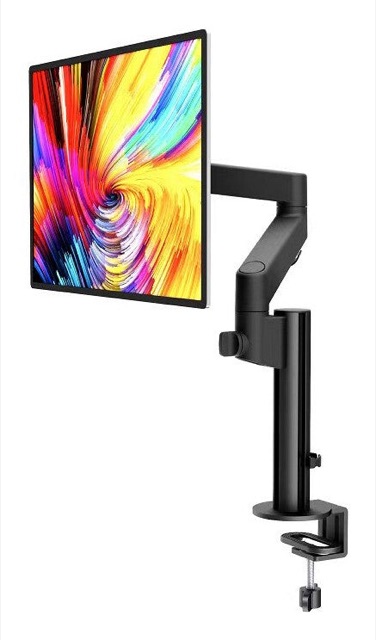
Urban Factory FLEXEE LIGHT SINGLE: Evolutive Single Monitor Arm

Urban Factory · Sold by Back to the Office

Mechanical spring monitor arm. Dimensions: 115x570x575mm (4.5"x22.4"x22.6"). VESA Mount: 75*75 / 100*100. Tilt Range: +90°~-90°. Screen Rotation Range: +90°~-90°. Materials: Steel, aluminum, plastic. Supported Weight: 2~8kg (0lbs~17.6lbs).

Kensington SmartFit Space-Saving Dual Monitor Arm

4

Kensington SmartFit Space-Saving Dual Monitor Arm

Kensington · Sold by Back to the Office

SmartFitTM supports proper ergonomic eye-level viewing angles, as well as improved neck and shoulder alignment.. Easy-grip adjustment knob allows you to quickly and easily adjust height (239 - 470mm, 9.4 - 18.5"), tilt and swivel (±10°), rotate to landscape…

ALOGIC Elite Power Laptop Stand with Wireless Charger

5

ALOGIC Elite Power Laptop Stand with Wireless Charger

ALOGIC · Sold by Back to the Office

Laptop stand White Aluminium. Minimum notebook screen size compatibility: 27.9 cm (11"). Maximum notebook screen size compatibility: 43.2 cm (17"). Universal Compatibility - Adjustable Height and Angle.

Leitz Ergo Space Saving Single Monitor Arm

6

Leitz Ergo Space Saving Single Monitor Arm

Leitz · Sold by Back to the Office

TÜV and IGR certified ergonomic single monitor arm that can improve posture, eye alignment and neck and shoulder comfort when the height of the monitor is adjusted correctly.

R-Go Tools Laptop stand R-Go Riser Attachable, adjustable, integrated with your laptop, aluminum, black

7 · Best value

R-Go Tools Laptop stand R-Go Riser Attachable, adjustable, integrated with your laptop, aluminum, black

R-Go Tools · Sold by Back to the Office

Black Aluminium. Minimum notebook screen size compatibility: 25.4 cm (10"). Maximum notebook screen size compatibility: 55.9 cm (22"). Maximum weight capacity: 5 kg. Height adjustment.

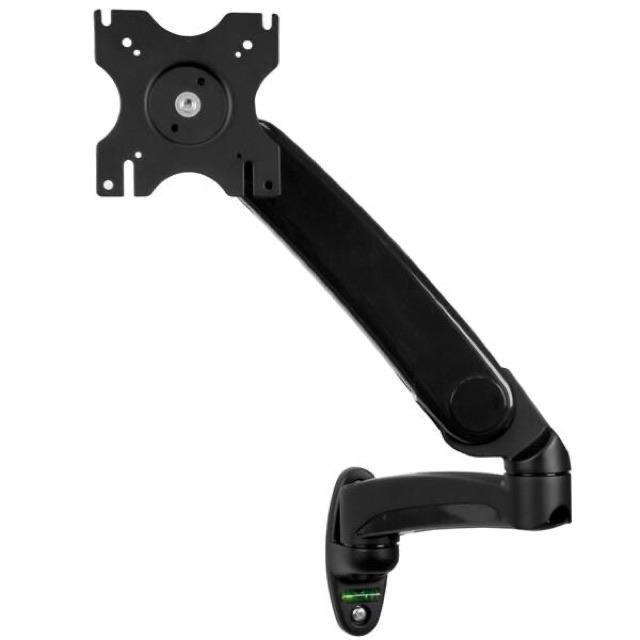
StarTech.com Wall-Mount Monitor Arm - Full Motion - Articulating - For up to 34" (19.8lb/9kg) Displays

8 · Premium pick

StarTech.com Wall-Mount Monitor Arm - Full Motion - Articulating - For up to 34" (19.8lb/9kg) Displays

StarTech.com · Sold by Back to the Office

Wall mount a VESA (75x75, 100x100) compatible display up to 34", flat screen, curved or ultrawide, with a max weight of 19.9 lb. (9 kg). Tucks in closely to the wall when not in use.

What to look for

Most arms use the VESA Flat Display Mounting Interface standard, which VESA publishes free on its website. BenQ's buying guide notes most arms support 100x100mm and 75x75mm patterns, while 200x200mm screens may need an adapter plate. Check the monitor's specification for its pattern.

Compare the arm's weight range with the monitor's weight without its stand. BenQ advises keeping a margin from the limits and allowing extra for curved screens.

  • VESA pattern on the monitor (often 75x75 or 100x100mm)
  • Monitor weight without stand, inside the arm's range
  • Clamp or grommet mount, and the desk thickness it accepts
  • Height range, reach, tilt and swivel
  • Cable management along the arm

Desk and safety checks

BenQ says a clamp needs at least 5cm between the back of the desk and the wall, bevelled or rounded edges over 2.5cm reduce clamp grip, and glass, hollow-core or easily dented tops need a reinforcement plate. Under-desk beams can also block a clamp.

The DSE Regulations Schedule says the screen must swivel and tilt easily, and that it should be possible to use a separate base for the screen or an adjustable table. An arm meets that need for screens whose own stand does not adjust.

Buying for a team

If staff hot-desk, a gas-spring arm can let each person move the screen without tools. Standardising on one or two arm models makes spares and set-up simpler.

  • Check the monitors you own have VESA holes before ordering
  • Ask about the warranty on springs and joints
  • Get a VAT invoice in the company name

Questions people ask

What is the best monitor arms and laptop stands in the UK?

On our shortlist, the Neomounts DS20-425BL1 Laptop holder monitor arm 11.6-17.3" - space saving is the best overall pick at £88.99 from Back to the Office. For a tighter budget, the R-Go Tools Laptop stand R-Go Riser Attachable, adjustable, integrated with your laptop, aluminum, black (£76.99) is our best-value choice.

How much should I pay for monitor arms and laptop stands?

Most of the 733 UK listings we screened sit between £39 and £148, with a middle price of £78. Trade suppliers often show prices before VAT, so add 20% if you can't reclaim it.

Can a business reclaim VAT on monitor arms and laptop stands?

A VAT-registered business can usually reclaim the VAT on equipment bought for business use, as long as it holds a valid VAT invoice from the supplier. Ask the seller for one at checkout.

Where can I buy monitor arms and laptop stands for a business?

The picks here come from Back to the Office. Most UK trade suppliers offer next-day delivery and VAT invoices; some offer credit accounts for regular orders.

How do I know if my monitor fits a monitor arm?

Look for four threaded holes on the back and check the VESA pattern in the monitor's specification, usually 75x75mm or 100x100mm. Then check its weight without the stand fits the arm's range.

Can a monitor arm damage my desk?

It can on glass, hollow-core or soft tops. BenQ recommends a reinforcement plate on those, and a check that the desk edge is not too rounded for the clamp.

Do monitor arms help with a DSE assessment?

They can. The DSE Regulations require a screen that swivels and tilts, and an arm makes it easier to set the top of the screen near eye level, as HSE's posture guidance suggests.

Why does my monitor arm sag?

Usually the tension needs adjusting or the screen is near the arm's weight limit. BenQ suggests tightening the tension screws first.

Related guides

More in Office & Workspace